Guide for AU Serviceportal
This guide is intended for AU employees and students who need to create a support case on AU's serviceportal. On the service portal you will find an overview of all your open and ongoing cases, where you can follow the status and comment on a case.
Log on Serviceportal
Log on Serviceportal
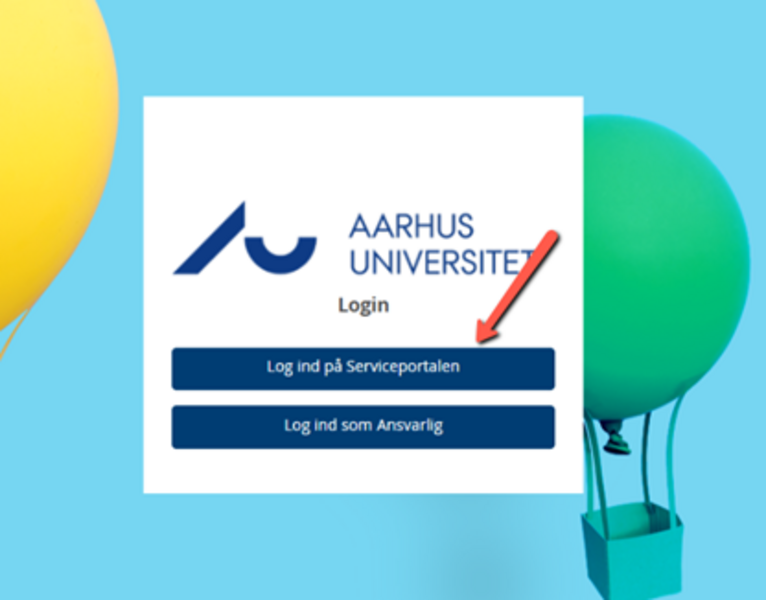
You log on from this site https://support.au.dk
Create a case on the serviceportal
Create a case on the serviceportal
Once you have logged in to the service portal, you will be presented with the option to either report a problem or order something.
You also have the option to search for the desired service in the search field. When using the search field, you will be presented with a number of services and forms that you can use, for example if you want access to a shared drive or a specific system.
In the search field, you will also be presented with knowledge base articles if a knowledge article has been created within the searched area. We encourage you to start by looking in the knowledge base articles, as this is where you will find help and instructions for solving your problem before you create a case.
Create on behalf of another user
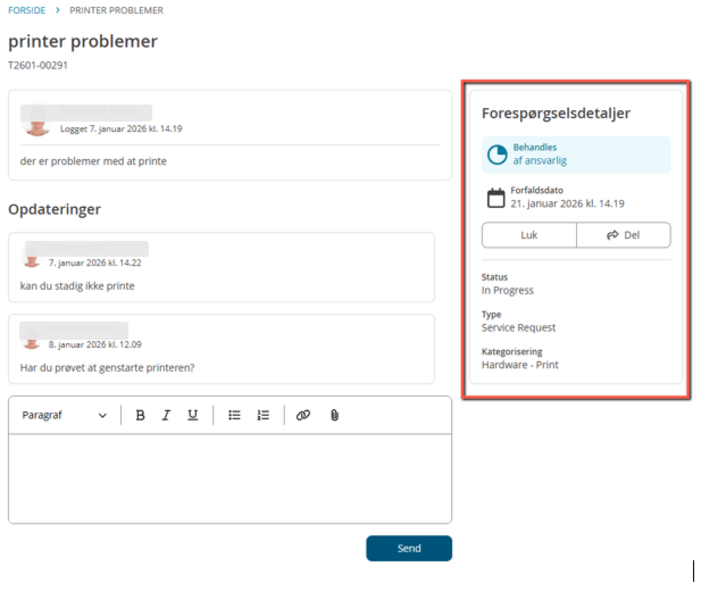
You also have the option to create a case on behalf of another user. Simply enter the user's name or AUID in the form 123456 and the user will appear in the overview. Both you and the user you are creating on behalf of will be able to follow the resolution of the case on the service portal.
Knowledge items and guides
Knowledge items and guides
In the Serviceportal we have created a number of knowledge base articles that refer to guides where you can find help to solve your problem. We therefore recommend that you start by finding help in some of these articles before you create a case. You simply type in the text in the search field, and if there is a knowledge article that deals with the topic, it will appear in the overview.
Get faster help by using automised forms
Get faster help by using automised forms
Feedback and help for Serviceportal
Feedback and help for Serviceportal
If you experience errors, need help or have any requests for the Serviceportal, you are more than welcome to create a case using this form
For example, it could also be useful knowledge base guides that was not available when creating the case. We would love to hear from you.