Think before you click and be aware of phishing
See how to spot a phishing attempt and how to avoid being deceived online and in emails.
Phishing is an attempt at identity theft
Phishing is an attempt at identity theft
Phishing is one of the most common tricks cybercriminals use in their attempts to commit identity theft. Here are four psychological tactics they often rely on:
- Time pressure: Perhaps you receive a large number of emails or text messages every day. Cybercriminals try to exploit this by getting people to respond before they have properly read the message. So stop and think before you reply.
- Fear of missing out: "MitHR – Remember to check MitHR or risk losing your holiday." Cybercriminals often play on people’s fear of losing a privilege or access to a system. This MitHR trick is a real example from AU.
- Prospect of gain: “Click here and get 80% off.” Whether in emails or on websites, it’s worth being particularly vigilant about large discounts or the prospect of financial gain. If it seems too good to be true, it probably is.
- Authority: The sender pretends to be from your bank, your employer, the tax office, or another authoritative company or institution you trust. But no legitimate sender would ask you to provide login information, MitID data, account details, or other confidential details over email or text message.
Stop - think - click
Stop - think - click
Here are five things to look out for to spot a phishing attempt:
- The sender pretends to be from Aarhus University, Microsoft, or a third party that you trust, but the email address is from a different domain.
- There might be spelling or punctuation mistakes or unusual use of phrases in the email text.
- As a recipient, you are referred to by your email address rather than your name.
- You are asked to click on links in emails and text messages. Watch out for this. These links can lead to fake pages intended to trick you into entering personal information that can be misused.
- You are asked to scan a QR code. Watch out for this. Especially in emails from the public sector. These codes are used a lot, but they can easily conceal malicious links.
Good advice on phishing
What to do if you fall for phishing
What to do if you fall for phishing
It happens to more people than you think.
Contact your local IT support team if you have accidentally clicked on a link, opened an attached file in a phishing email or disclosed confidential information, such as your password.
If you have disclosed confidential information, change your password as soon as possible. Furthermore, activate two-factor authentication wherever possible.
It’s a good idea to share your experience with your colleagues. This will warn others, and we can all learn to be more careful.
Materials for download
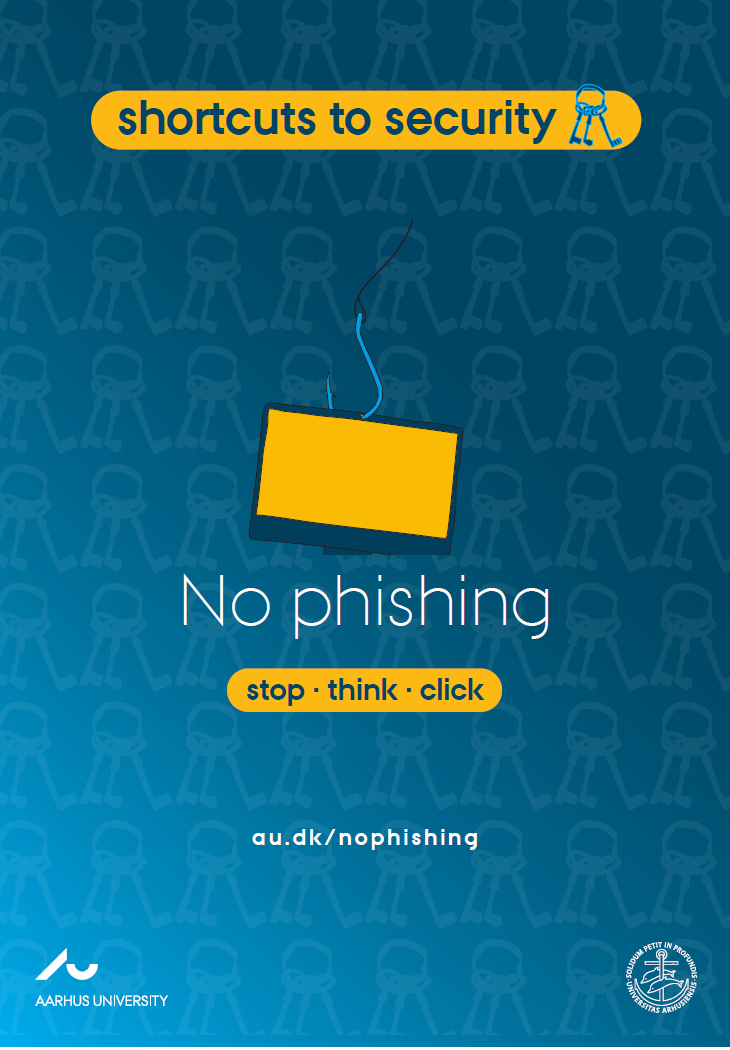
Quiz - Can you spot a phishing mail?
How the quiz works
How the quiz works
- The quiz is a social activity made for a staff meeting (e.g. via Teams or Zoom) etc.
- The quiz will take approx. 15 minutes.
- We recommend that you facilitate the quiz yourself or appoint a facilitator who can play the quiz, read the slides out loud and encourage the participants to vote.
- The participants must open https://www.menti.com/ on their computer or phone and enter the code from slide 2 in the quiz.
- The participants are presented with 7 emails. After each email they will be asked whether or not an email is a phishing email or not. They can vote via menti.com.
How to get access to the quiz
How to get access to the quiz
- If you have used Mentimeter before, sign in via https://www.mentimeter.com/.
- If you have not used Mentimeter before, go to https://www.mentimeter.com/join/aarhus, type in your AU email address, verify it via the email you receive. Then register with your name and a password.
- Choose My presentations and the Shared Templates in the left side menu.
- Find the quiz 'Can you spot a phishing email?' (NB! The quiz is available in Danish and English).
- Choose 'Add to my presentations'.
- Now, you can find the quiz in My presentations.
- Click the play icon to play the quiz at a staff meeting etc.